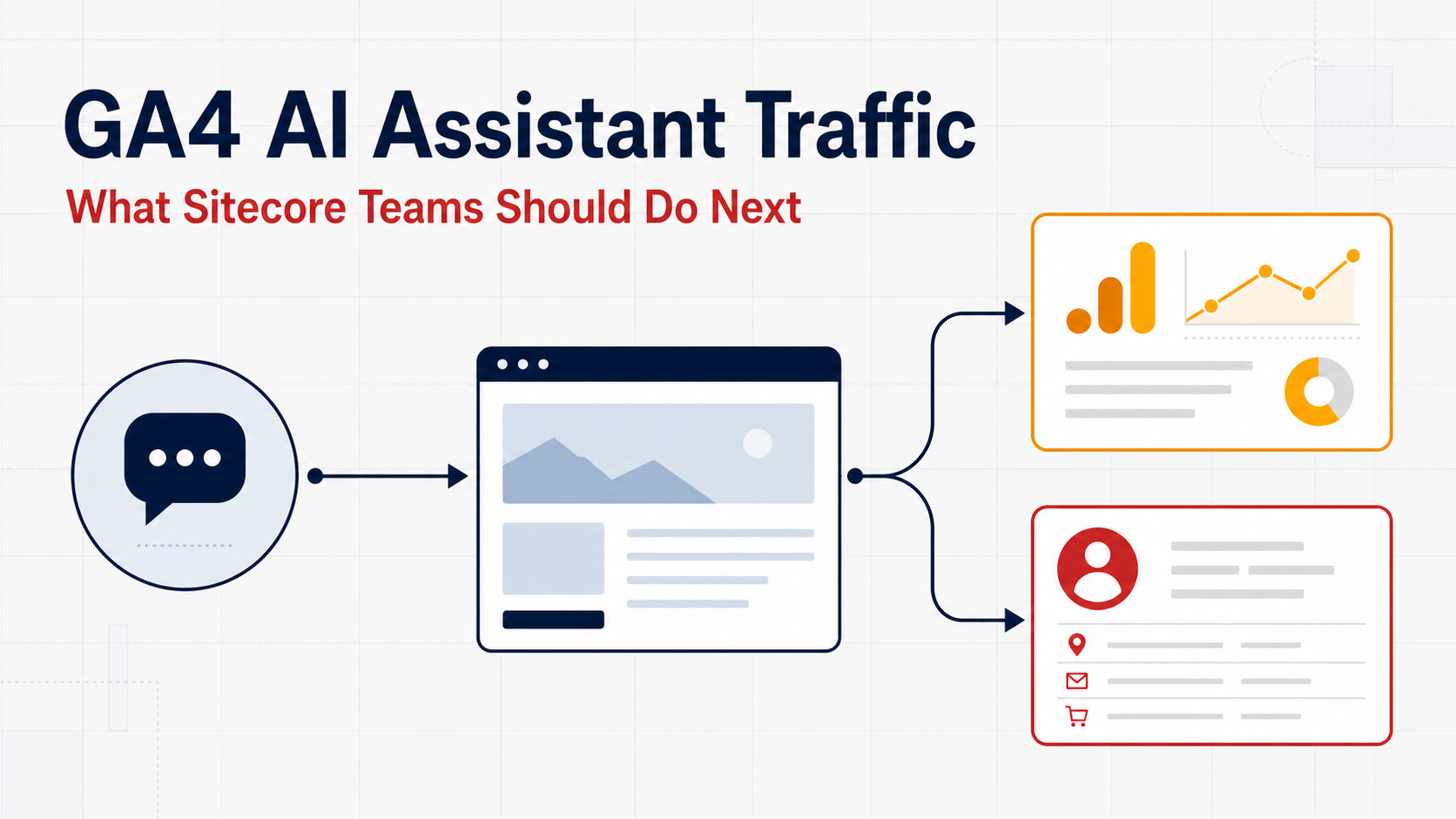
Google Analytics can now identify some visits from AI assistants. For Sitecore teams, the important point is simple: GA4 reports the channel, but Sitecore CDP does not automatically receive Google's classification.
What changed in GA4?
Google introduced dedicated AI Assistant traffic measurement in May 2026. When GA4 recognizes the referrer, it assigns the medium ai-assistant, the campaign (ai-assistant), and the AI Assistant channel.
This covers identifiable referral clicks—not every visit influenced by AI. It cannot reveal the visitor's prompt, a citation with no click, or a later direct visit. Google also excludes AI Overviews and AI Mode from this channel.
If GA4 is already working through Google Tag Manager or the Google tag, no XM Cloud component change is required for this reporting.
One visit, two independent events
Imagine that someone clicks a link to your XM Cloud site from ChatGPT. The browser may provide https://chatgpt.com/ as the referrer.
GA4
The Google tag receives the visit. GA4 recognizes the referrer and classifies it for acquisition reporting.
Sitecore CDP
The Sitecore Cloud SDK sends a VIEW event. In the browser, the referrer defaults to document.referrer.
AI assistant link
        ↓
XM Cloud website
        ├──→ GA4 → channel reporting
        └──→ Sitecore VIEW event → CDP analysis
GA4 does not pass its channel label to Sitecore. Both systems observe the same website visit independently.
Passing a useful signal to Sitecore CDP
For basic analysis, keep the referrer already captured by the Sitecore VIEW event. If marketers need a simpler category, the application can add a normalized value:
{
  "referrer": "https://chatgpt.com/",
  "extensionData": {
    "acquisitionChannel": "AI_ASSISTANT",
    "aiAssistant": "CHATGPT"
  }
}
This value is created and maintained by your application; it is not copied from GA4. Content SDK and JSS applications already capture VIEW events, so extend the existing page-view implementation instead of sending a duplicate event.
What should marketers measure?
Compare AI-referred sessions with Organic Search and Referral:
- Top landing pages
- Engagement and next-page visits
- Form submissions or other key events
- Qualified leads or revenue
Only create a Sitecore CDP segment when the traffic has enough volume and shows useful behaviour. Do not personalize simply because a new channel exists.
Four things to get right
- Expect gaps: if the browser or AI application removes the referrer, neither system can identify the source reliably.
- Avoid duplicate views: update the existing Sitecore tracking component and test client-side route changes.
- Respect consent: initialize tracking only after the consent required by your organization.
- Test personalization timing: the first page may render before CDP receives the event. Start with later-page or return-visit use cases.
The sensible sequence is: validate GA4 reporting, confirm Sitecore receives the referrer, measure visitor behaviour, and add segmentation only when it creates a clear benefit.